Sift
Check a label

Sift never guesses. See the wording it matched on your label, with the receipts behind every result.
Beluga is hungry for fine print.
What do you want to check?
Photograph the ingredients panel. Sift reads the printed wording against your allergen list. This is the most reliable way to get an answer.
Photograph the front of the pack to name the product, then its ingredients panel. Sift still needs a photo of the label unless it already holds verified data for that product.
Start with a clear label photo
Sift checks the printed ingredient and allergen wording.
Fit the whole ingredient list in the photo.
Results can miss ingredients or warnings. Check the original label, and the manufacturer when unsure.Photos go to a third-party processing provider to read the label. Sift keeps the text and result, never the photo. A small preview stays on this device only; it is never uploaded.
New here? to save your scans.
Point Sift at a label whenever you're ready
This live preview can soften small print. If a result looks off, retry with Take photo for a clearer image.
What Sift does
Screens show an example scan.
-
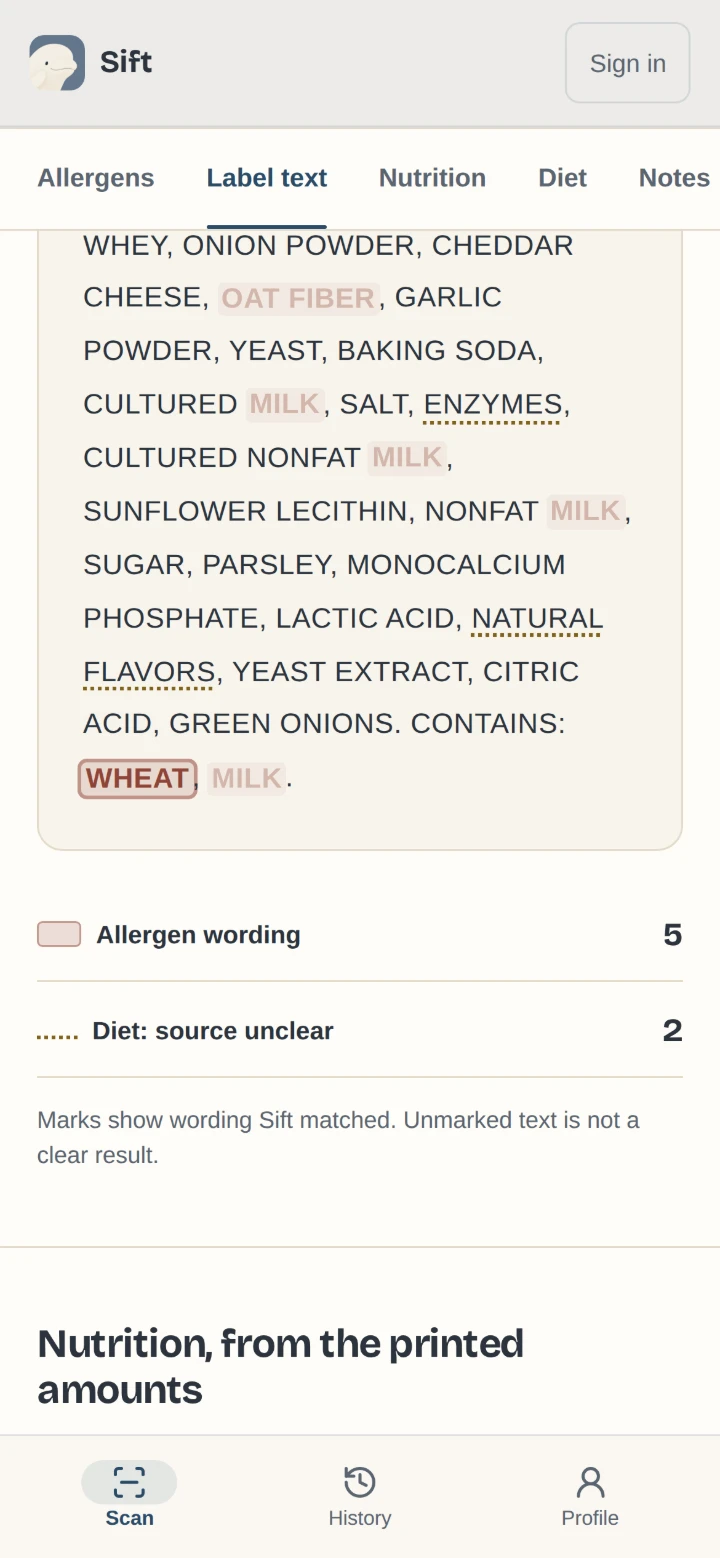
See the proof behind every flag
Every flagged item carries the phrase printed on your label and the part of the label it came from.
-
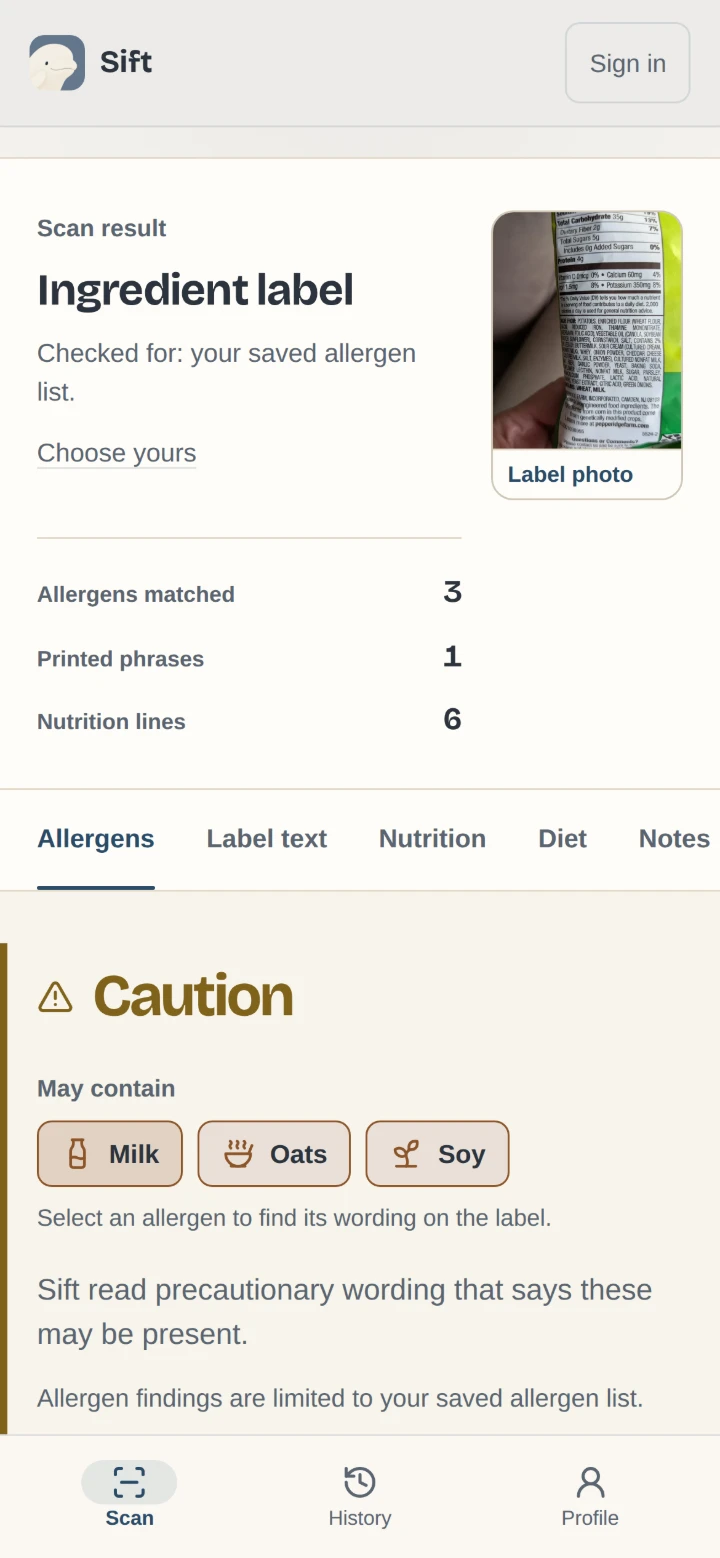
Warnings kept apart
An allergen named in a precautionary warning is labelled May contain, apart from one listed as an ingredient.
-
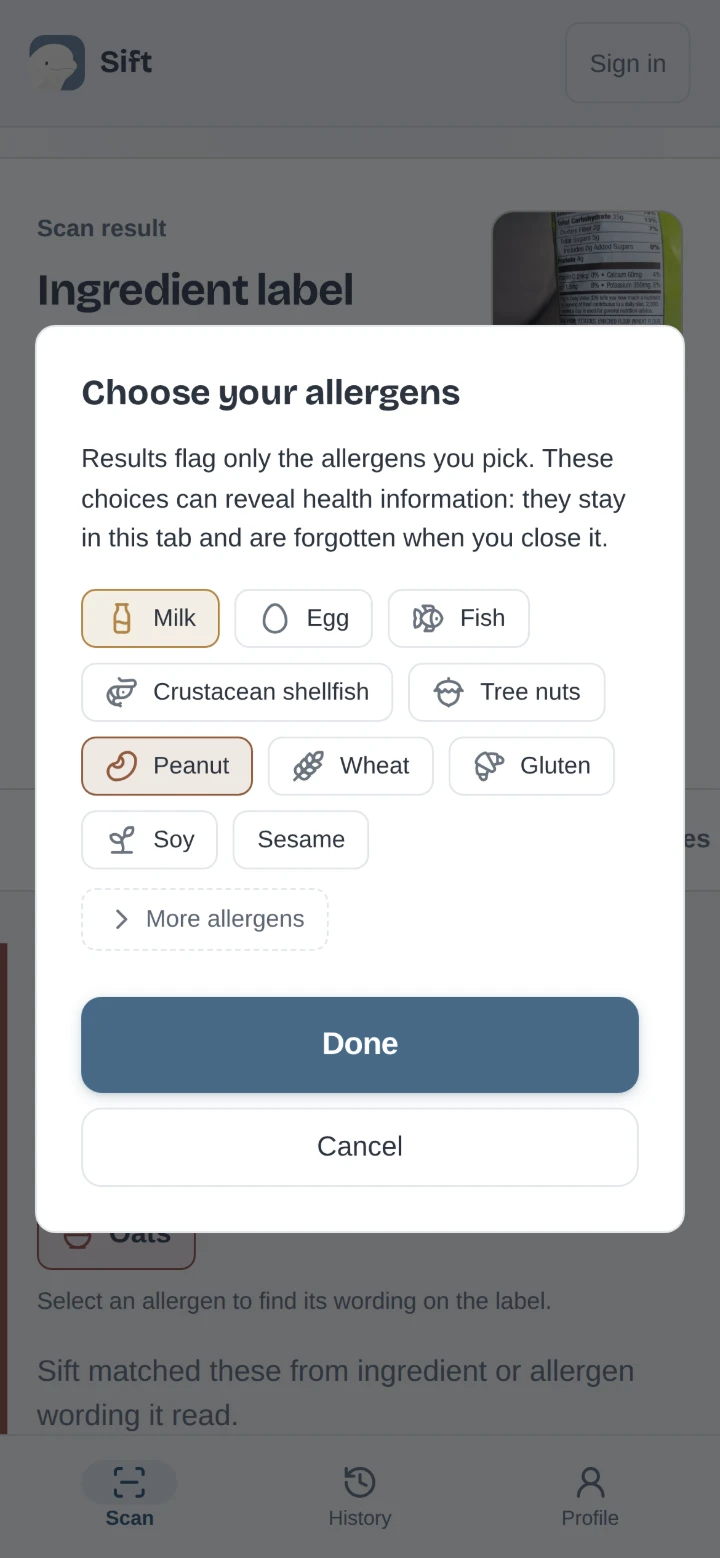
Your allergens, your list
With an account you can save your allergies, and results are checked against your own list.
-
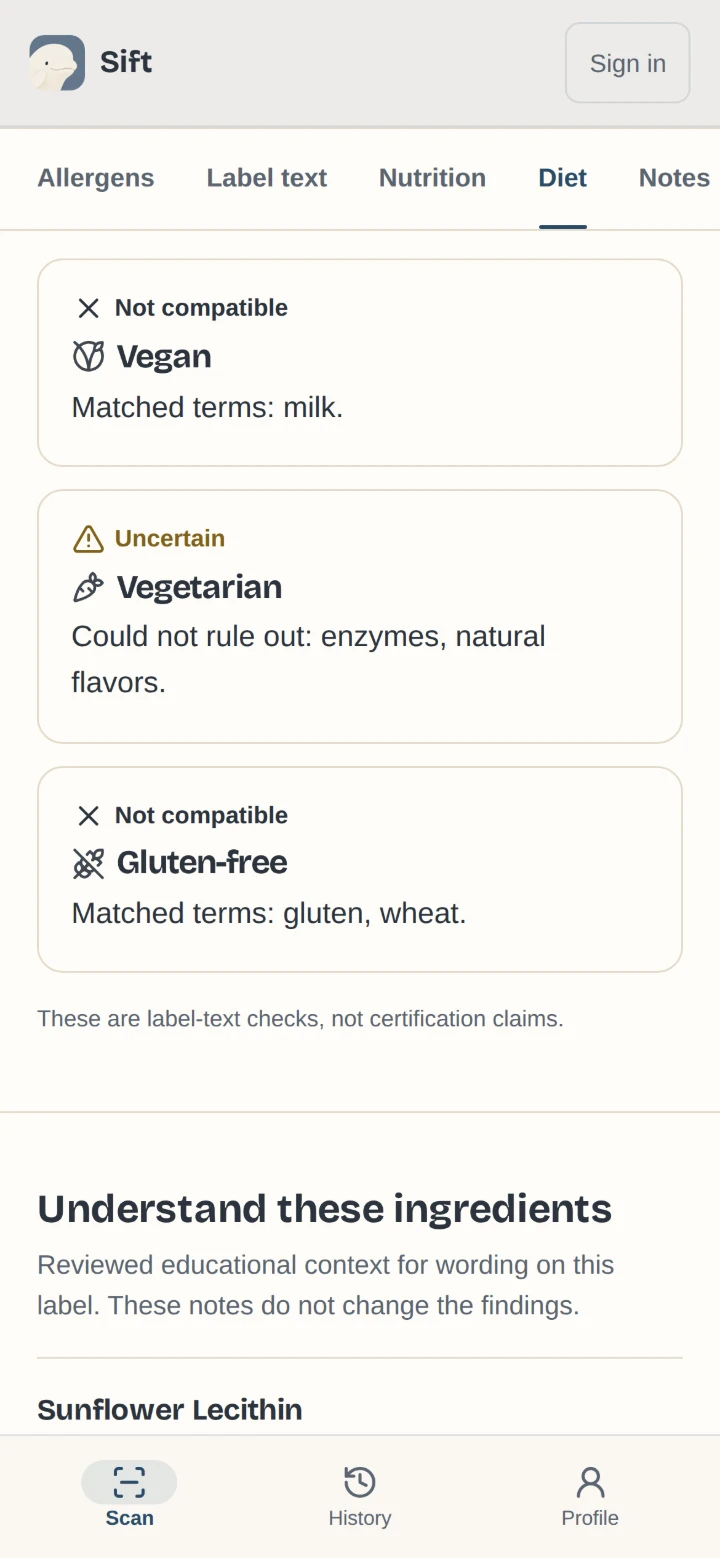
Diet notes from the wording
Notes where the printed wording conflicts with a vegan, vegetarian or gluten-free choice.
-
Reads the label
Turns a photo of an ingredient list into text that can be checked.
-
Flags additives
Points out artificial colours, artificial sweeteners, synthetic preservatives, emulsifiers and added sugars when they are printed.
Identify a product from the front of the pack, not just the label.
Always check the package. An ingredient that is not flagged has not been proven absent.
How Sift works
This session
Guest history is accessible through this tab's session. Closing it does not delete saved text or results from Sift. Creating an account attempts to add this session's scans to your account history.
Example scan
A reviewed saved example, not a fresh scan. Scan a label of your own to get a result like this one.
The source photo is curved and partly obscured. Open it to inspect what is visible.